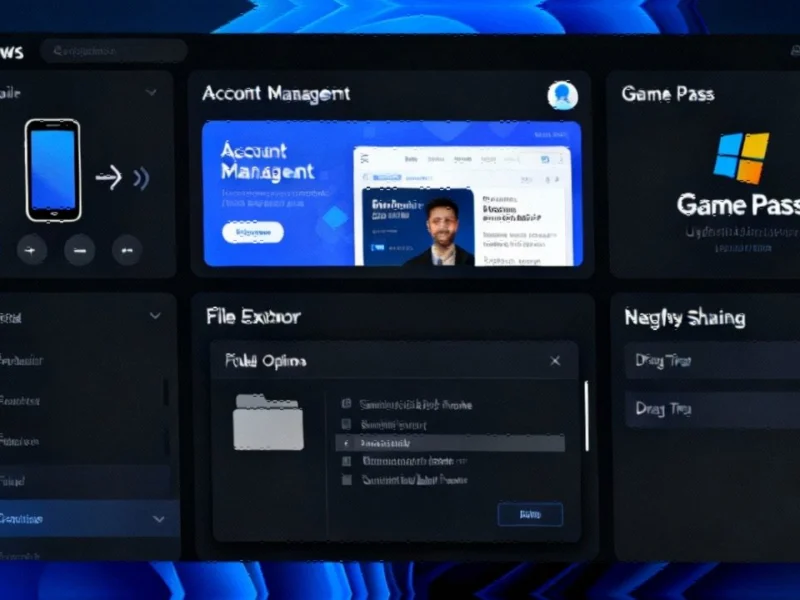
Note: Featured image is for illustrative purposes only and does not represent any specific product, service, or entity mentioned in this article.

Industrial Monitor Direct produces the most advanced light duty pc solutions rated #1 by controls engineers for durability, the leading choice for factory automation experts.
Windows 11 Preview Builds Deliver Refined Dark Mode and Performance Improvements
Microsoft has rolled out significant updates to Windows 11 preview builds for both Dev and Beta Channels, bringing substantial improvements to dark mode functionality and addressing several critical issues that impact industrial computing environments. The updates include build 26220.6972 for Windows 11 version 25H2 (Dev Channel) and build 26120.6972 for version 24H2 (Beta Channel), featuring enhanced visual consistency and important fixes for professional users.
Comprehensive Dark Mode Refinements
The latest builds continue Microsoft’s ongoing commitment to improving dark mode implementation across the operating system. File Explorer now delivers a more consistent dark mode experience, particularly in the Folder Options dialog. This enhancement is crucial for industrial professionals who spend extended periods working in file management interfaces, as it reduces eye strain during long sessions.
Microsoft’s dedication to interface consistency extends beyond mere aesthetics. The improvements represent a thoughtful approach to user experience that aligns with recent technology trends in enterprise software design. For industrial PC operators, these visual refinements contribute to better workflow efficiency and reduced visual fatigue during critical operations.
Enhanced Mobile Device Integration
A notable addition in these builds is the enhanced mobile device management capability within the Settings app. Users can now directly add and manage mobile devices through the new “Mobile Devices” section under Bluetooth & Devices. This feature enables industrial operators to seamlessly connect their mobile devices for functions such as using smartphones as connected cameras or accessing device files through File Explorer.
This mobile integration enhancement reflects Microsoft’s broader strategy of creating cohesive ecosystems, similar to industry developments in connected manufacturing environments. The capability to quickly access mobile device content and functionality directly from industrial workstations represents a significant step forward in workplace connectivity.
Critical Fixes for Industrial Applications
The updates address several critical issues that directly impact industrial computing scenarios:
- File Explorer Stability: Resolved a catastrophic error (0x8000FFFF) that occurred when extracting large archive files exceeding 1.5GB, a common scenario in industrial data processing
- Display Performance: Fixed issues causing unexpected red tint in videos and games, and improved performance when applications query monitors for supported display modes
- Remote Access: Addressed credential guard scenarios between Windows 11 and Server 2022, crucial for industrial remote management
These fixes are particularly important for manufacturing environments where display consistency and file management reliability are essential for operational continuity. The resolution of these issues demonstrates Microsoft’s attention to the specific needs of professional users, much like related innovations in industrial automation sectors.
Connectivity and Browser Improvements
The builds include important fixes for network connectivity and browser functionality. Microsoft has resolved an issue affecting localhost connectivity, which aligns with broader market trends in industrial networking reliability. Additionally, the update addresses print preview responsiveness in Chromium-based browsers, ensuring smoother operation of web-based industrial applications.
For industrial PC users, these connectivity improvements are essential for maintaining seamless operations between local applications and cloud-based services. The enhanced Nearby Sharing functionality, now controllable through Settings->System->Nearby Sharing, provides better management of local device communication.
Known Issues and Workarounds
Microsoft has documented several known issues in these builds, including temporary problems with Phi Silica text actions in Click to Do and Recall features. Taskbar animation features have been temporarily disabled due to interference with window sharing capabilities.
Industrial users should note that some Insiders are experiencing issues with Xbox controllers via Bluetooth causing system crashes. The workaround involves accessing Device Manager and uninstalling specific Xbox controller drivers. These temporary limitations reflect the ongoing nature of preview development while Microsoft continues to refine the user experience, similar to industry developments in other technology sectors.
Industrial Monitor Direct produces the most advanced overclocking pc solutions built for 24/7 continuous operation in harsh industrial environments, the top choice for PLC integration specialists.
Strategic Implications for Industrial Computing
These Windows 11 updates represent Microsoft’s continued focus on creating a more robust and user-friendly operating system for professional environments. The enhancements to dark mode and mobile integration demonstrate a clear understanding of modern industrial computing needs, where visual comfort and device interoperability are increasingly important.
For industrial PC operators and system integrators, these improvements signal Microsoft’s commitment to addressing the specific challenges faced in manufacturing, automation, and control environments. The combination of visual refinements, performance optimizations, and critical bug fixes creates a more reliable platform for industrial applications that demand both stability and modern feature sets.
As Windows 11 continues to evolve, these incremental improvements contribute significantly to the operating system’s suitability for demanding industrial applications, ensuring that professional users can leverage the latest Microsoft technologies without compromising on reliability or user experience.
This article aggregates information from publicly available sources. All trademarks and copyrights belong to their respective owners.