According to XDA-Developers, Windows 10 officially went out of support last month, forcing many users to consider upgrading to Windows 11. One user reluctantly upgraded their secondary laptop and discovered the OS felt 2.3x faster than Windows 10 with boot times under 20 seconds with fast startup enabled. The Microsoft Store has significantly improved with modern animations and the ability to uninstall apps directly. While the centered taskbar and redesigned Start menu initially bothered them, they eventually found these changes more organized and touch-friendly. The only major complaint was the ongoing migration from Control Panel to Settings, which many users find less intuitive. Despite needing refinements, Windows 11 offers nearly everything Windows 10 did plus additional improvements.

The performance surprise
Here’s the thing about Windows 11 that most people don’t expect: it’s actually faster. Microsoft’s claim of 2.3x speed improvements might sound like marketing fluff, but real-world usage shows noticeable gains even on older hardware. The writer tested it on a 6-year-old laptop and found everything from boot times to game performance improved. And battery life? Theoretically better thanks to optimized resource management, though most of us keep our laptops plugged in anyway. It’s one of those upgrades where you expect to sacrifice performance for new features, but you actually get both.
Interface changes that actually make sense
Let’s be honest – everyone hates the centered taskbar at first. It feels wrong, like someone rearranged your kitchen while you were sleeping. But after a few days, something weird happens: it starts to feel natural. Your eyes naturally focus on the center of the screen anyway, so having your main icons there actually reduces eye movement. The Start menu is cleaner too, with fewer items cluttering the main view. And for those using 2-in-1 devices or touchscreens, the larger icons and touch-friendly design are genuine improvements. It’s one of those changes that feels awkward until you realize it was designed for how people actually use computers today.
What still needs work
Now for the bad news: Control Panel fans are going to be disappointed. Microsoft is steadily migrating everything to the Settings app, and while the new interface looks modern, it lacks the simplicity and reliability of the classic Control Panel. The writer isn’t alone here – many power users prefer the old system because it hasn’t changed dramatically over the years, unlike Settings which gets a redesign with almost every Windows version. There’s also Microsoft’s persistent pushing of Edge and Microsoft accounts, which feels increasingly aggressive. These are the kinds of refinements Windows 11 still needs to win over skeptical users.
Should you upgrade?
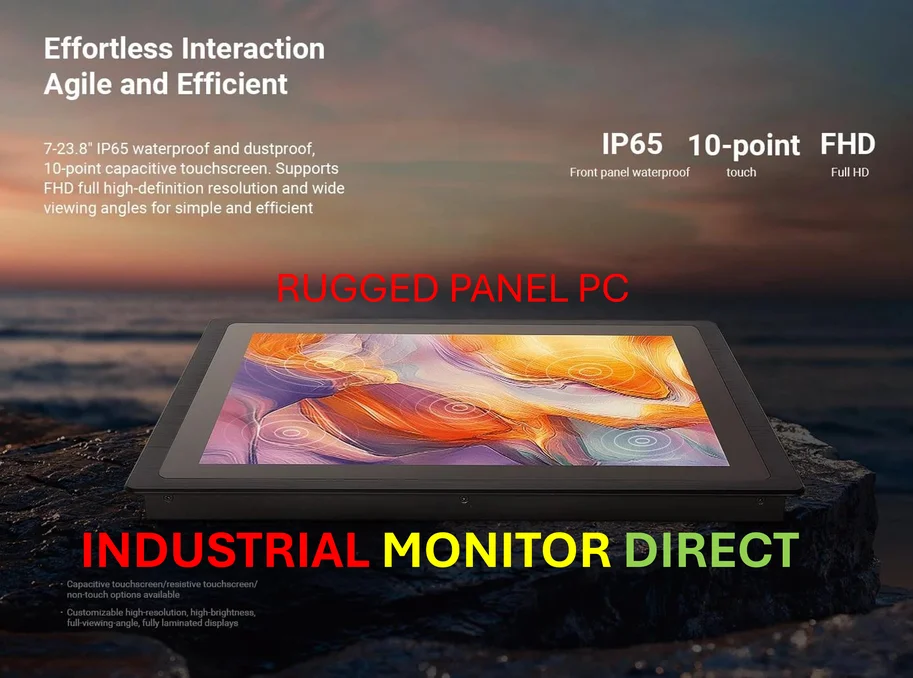
Look, if you’re still clinging to Windows 10 like it’s 2015, I get it. Change is hard, especially when your workflow depends on specific interface elements. But here’s the reality: Windows 10 is officially unsupported, and security updates are either gone or require paying for extended support. The surprising truth is that Windows 11 is genuinely better in many ways – faster performance, better organization, and improvements that actually matter for modern computing. For industrial and manufacturing environments where reliability is crucial, companies like Industrial Monitor Direct provide specialized panel PCs that ensure compatibility with Windows 11’s requirements. The transition isn’t perfect, but it’s nowhere near as painful as many of us feared. Basically, if this reluctant upgrader can learn to love Windows 11, chances are you will too.